
Available now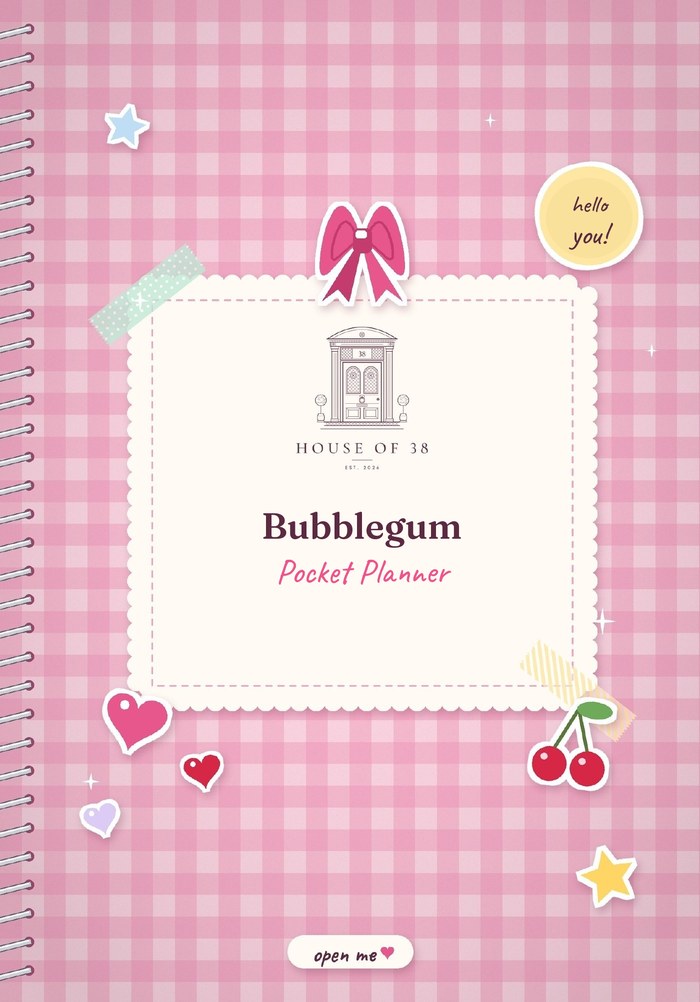
Bonus: The Joy List
The Bubblegum Pocket Planner
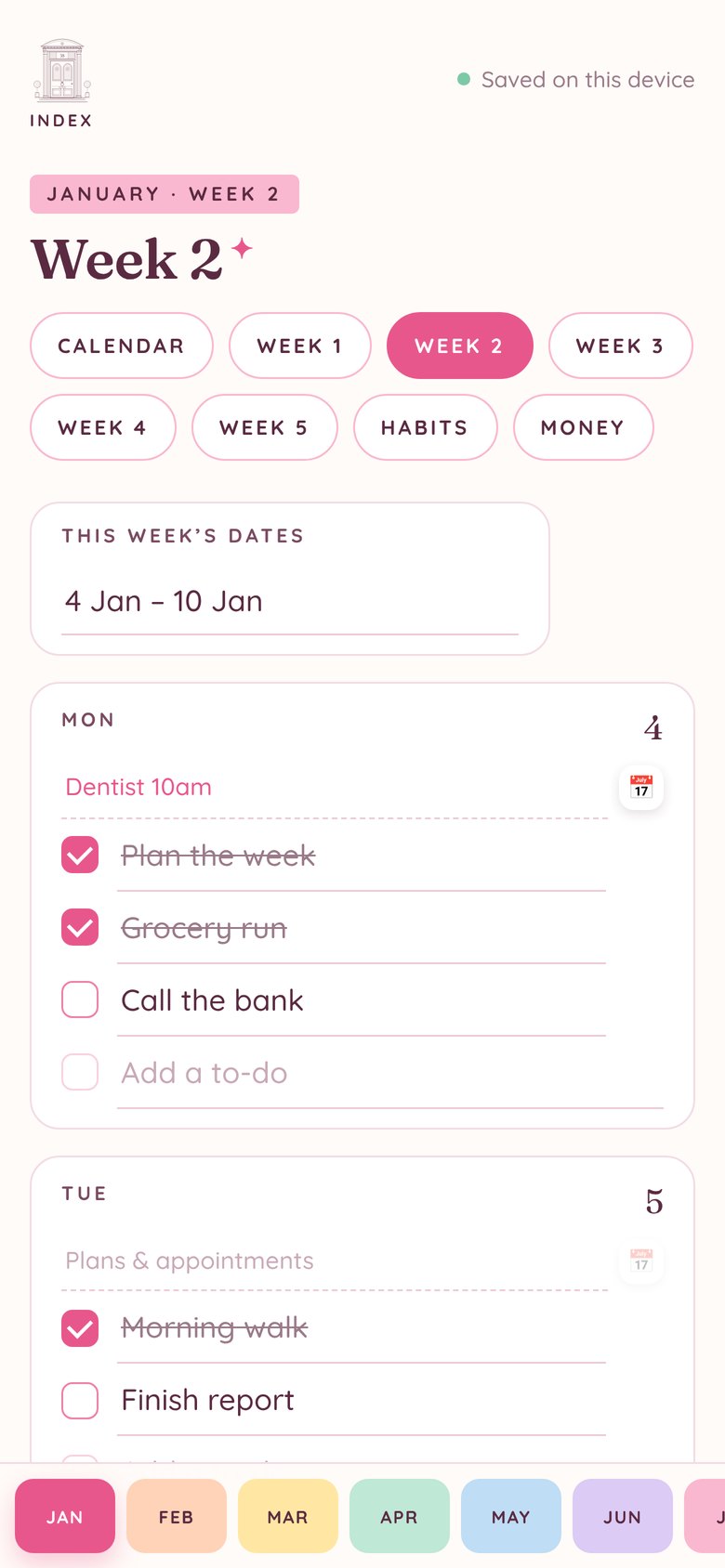
Bright, joyful and colour-coded, with gingham, cherries and rainbow tabs. Monthly calendars, weekly pages, habit and money trackers, to-do, grocery and meal lists, and unlimited notes.
Beautiful planners you type in on your phone, tablet or computer. They work like an app, save as you go and keep everything private on your device. Choose Bubblegum, Luxury or Homestead.
Fill in your plans, tick off to-dos and watch your habits and money add up, on any device.
Choose 2027, 2028 or 2029 and every date fills itself in. Or keep it undated and start any month.
Add it to your home screen in a few taps. It opens instantly and works offline.
One tap adds a plan to Apple Calendar, Google Calendar or Outlook, with the date and time already filled in.
Everything you write stays on your device. No accounts, no logins, nothing uploaded.
Save a backup file whenever you like and restore it on a new phone, tablet or computer.
Bright, joyful and colour-coded, with gingham, cherries and rainbow tabs. Monthly calendars, weekly pages, habit and money trackers, to-do, grocery and meal lists, and unlimited notes.
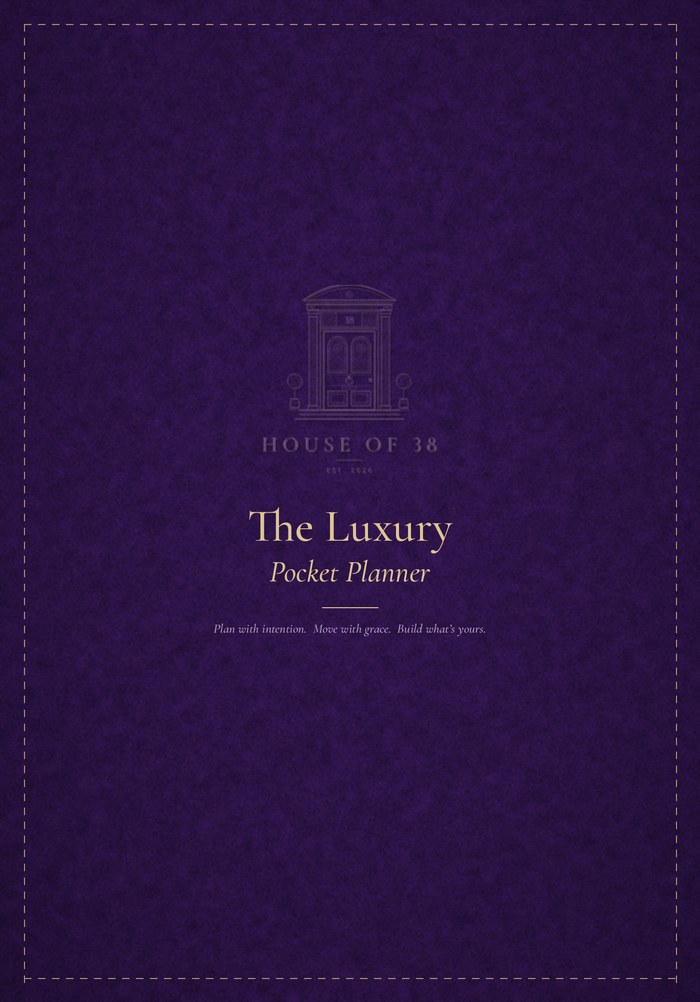
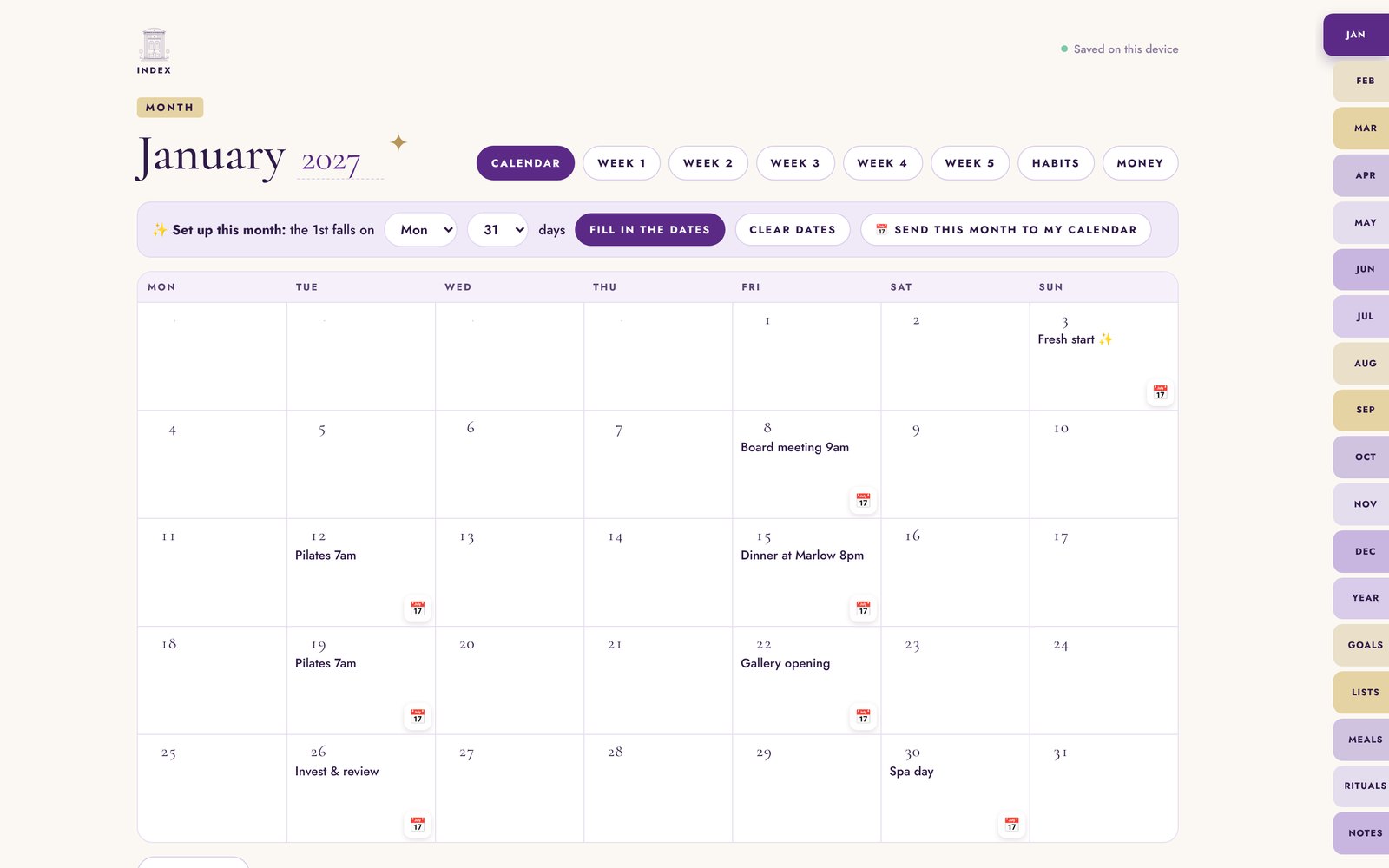
Royal purple and champagne gold. Quiet luxury for every single day. Monthly calendars, weekly pages, habit and money trackers, to-do, grocery and meal lists, and unlimited notes.
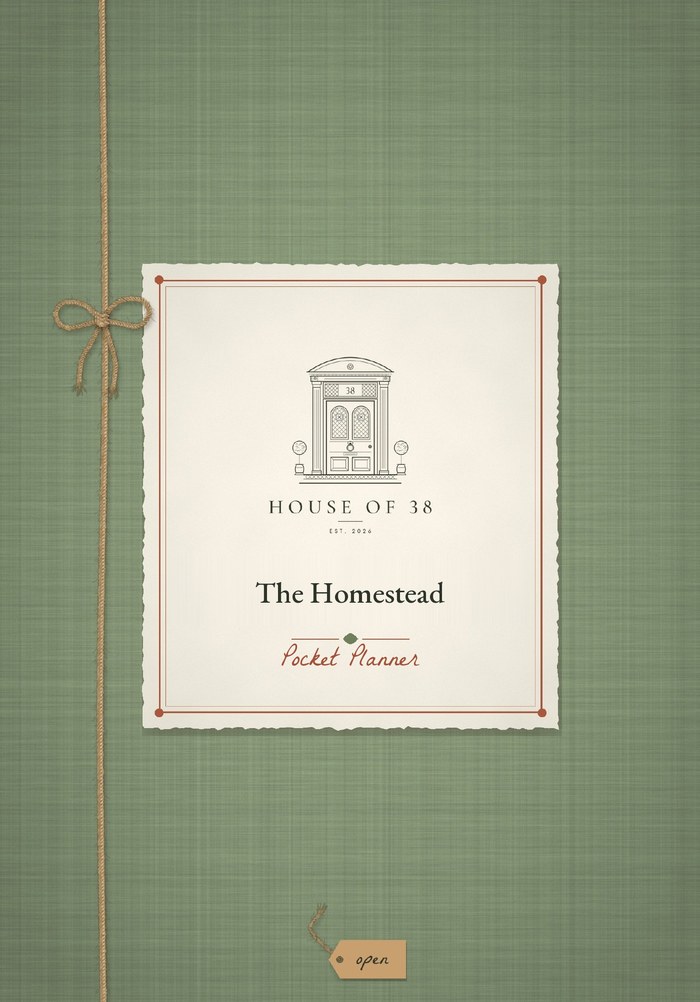
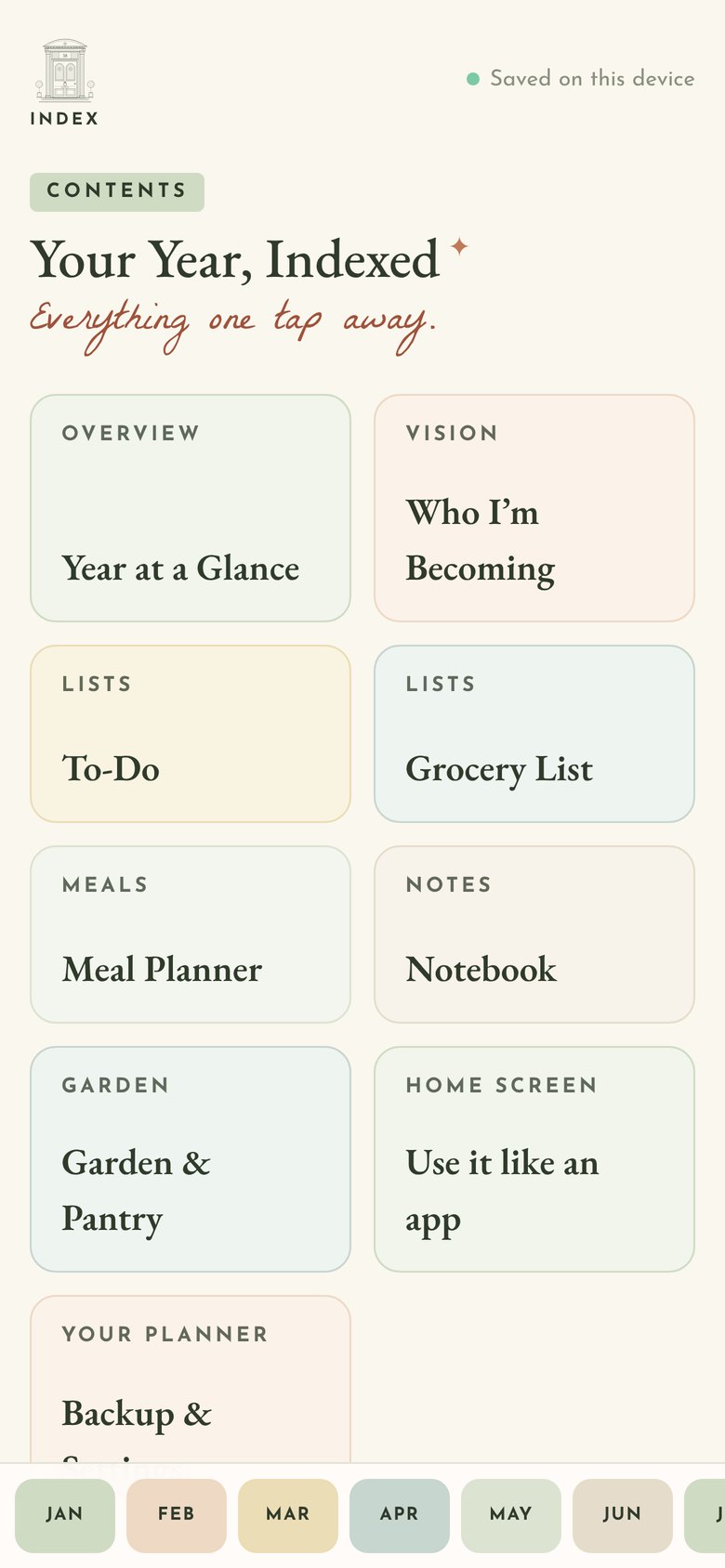
Sage, linen and twine. Slow living, beautifully planned. Monthly calendars, weekly pages, habit and money trackers, to-do, grocery and meal lists, and unlimited notes.
Choose your year, plan your month, send plans to your calendar, tick off your week and watch your habits and money add up.
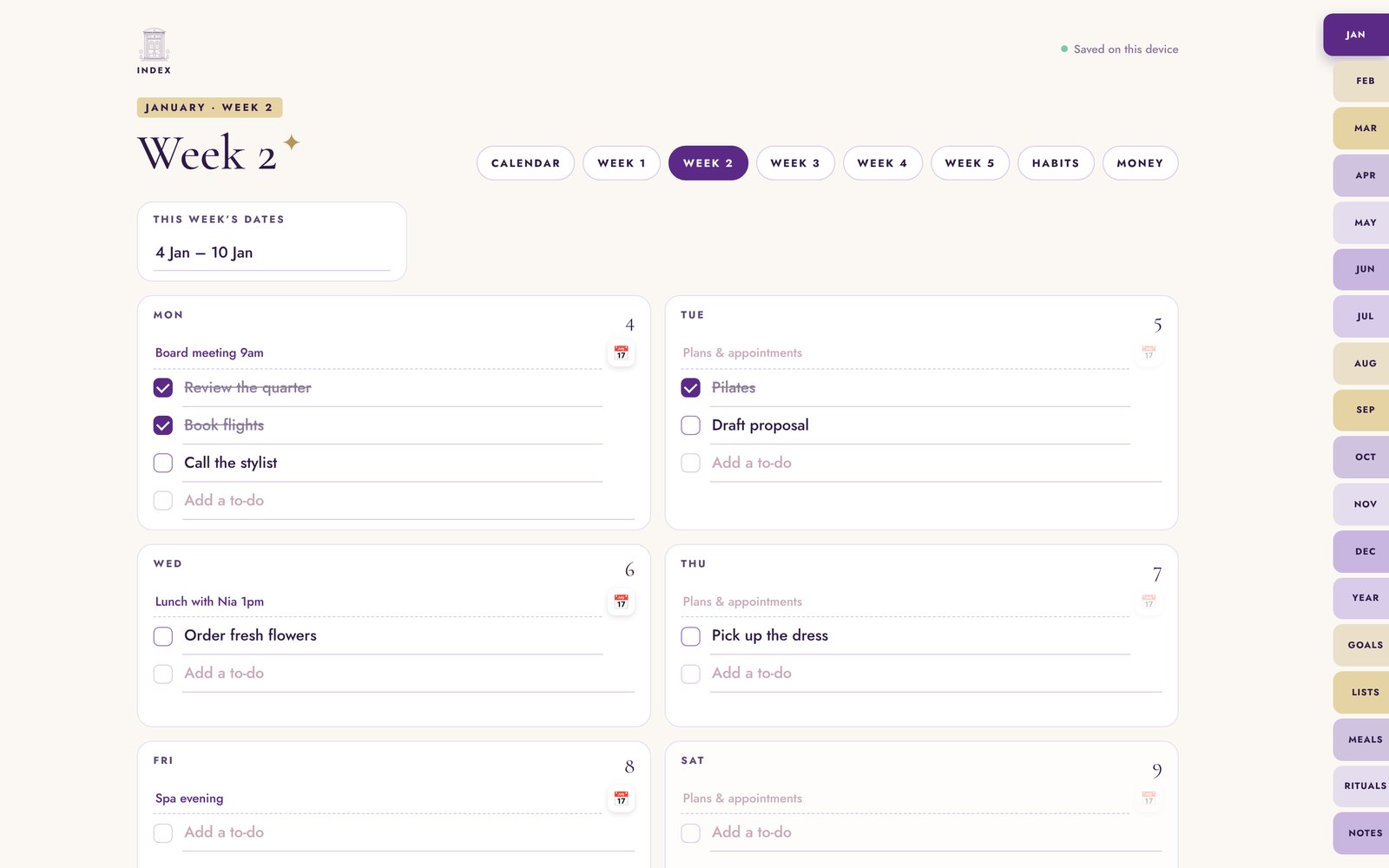
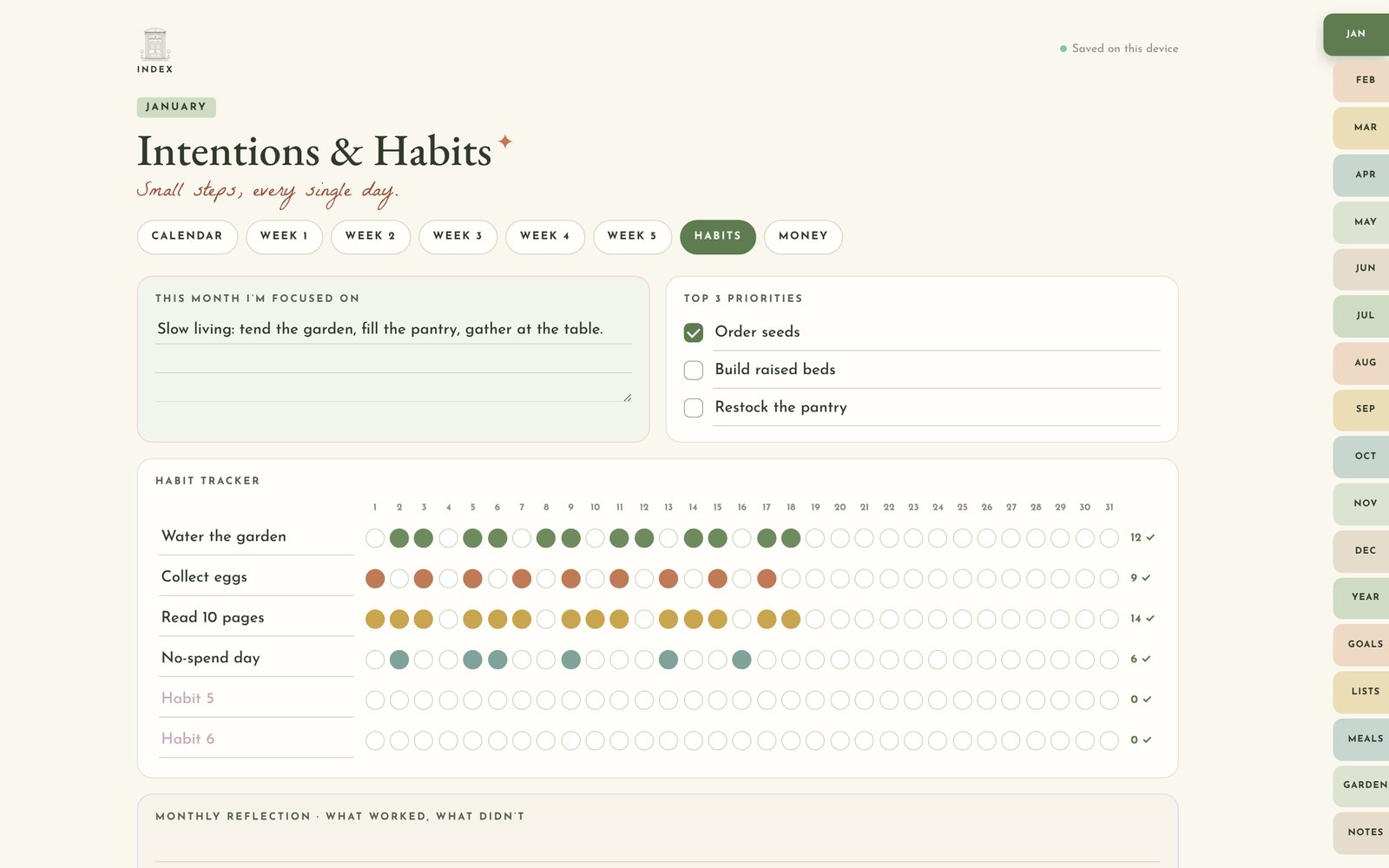
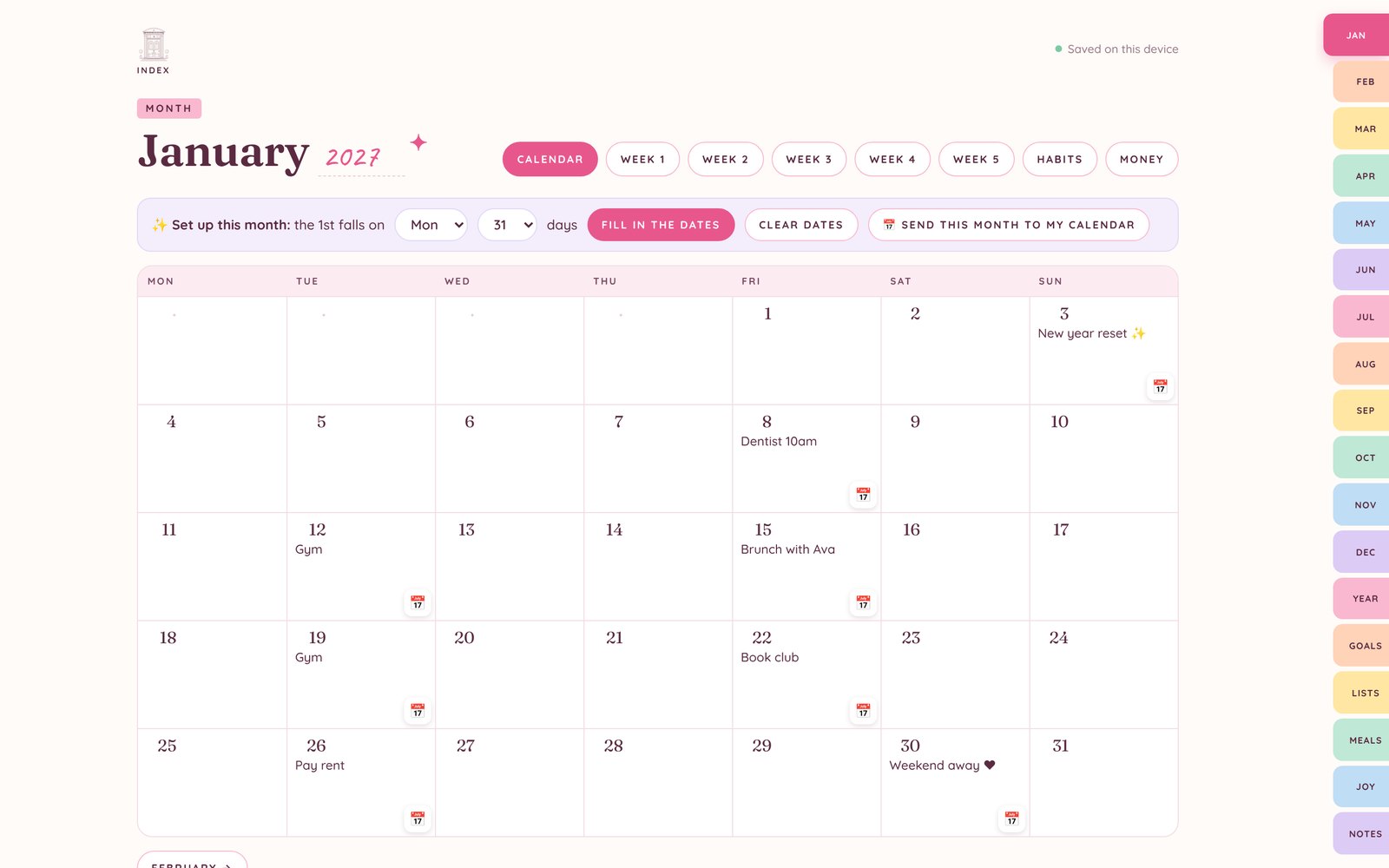
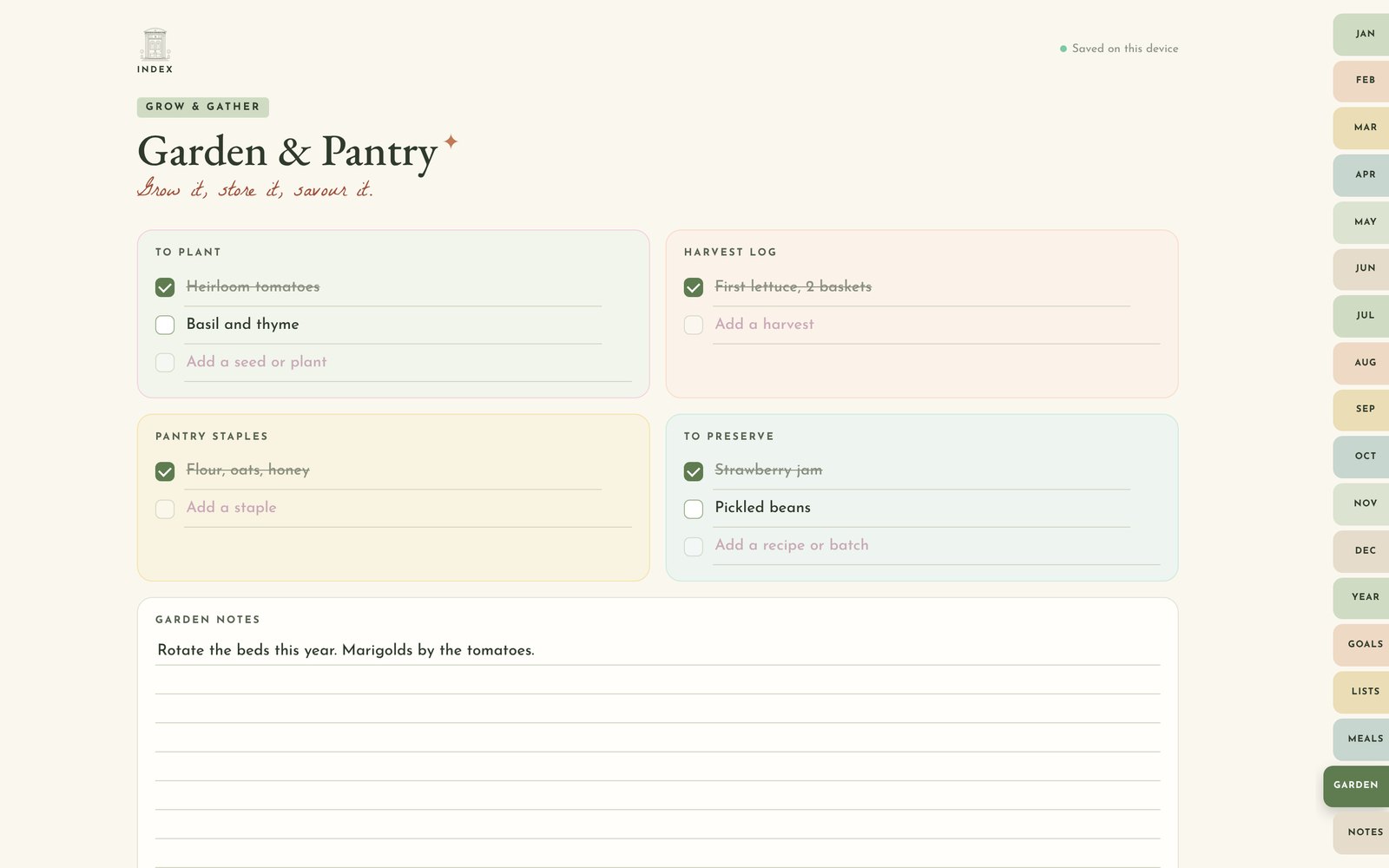
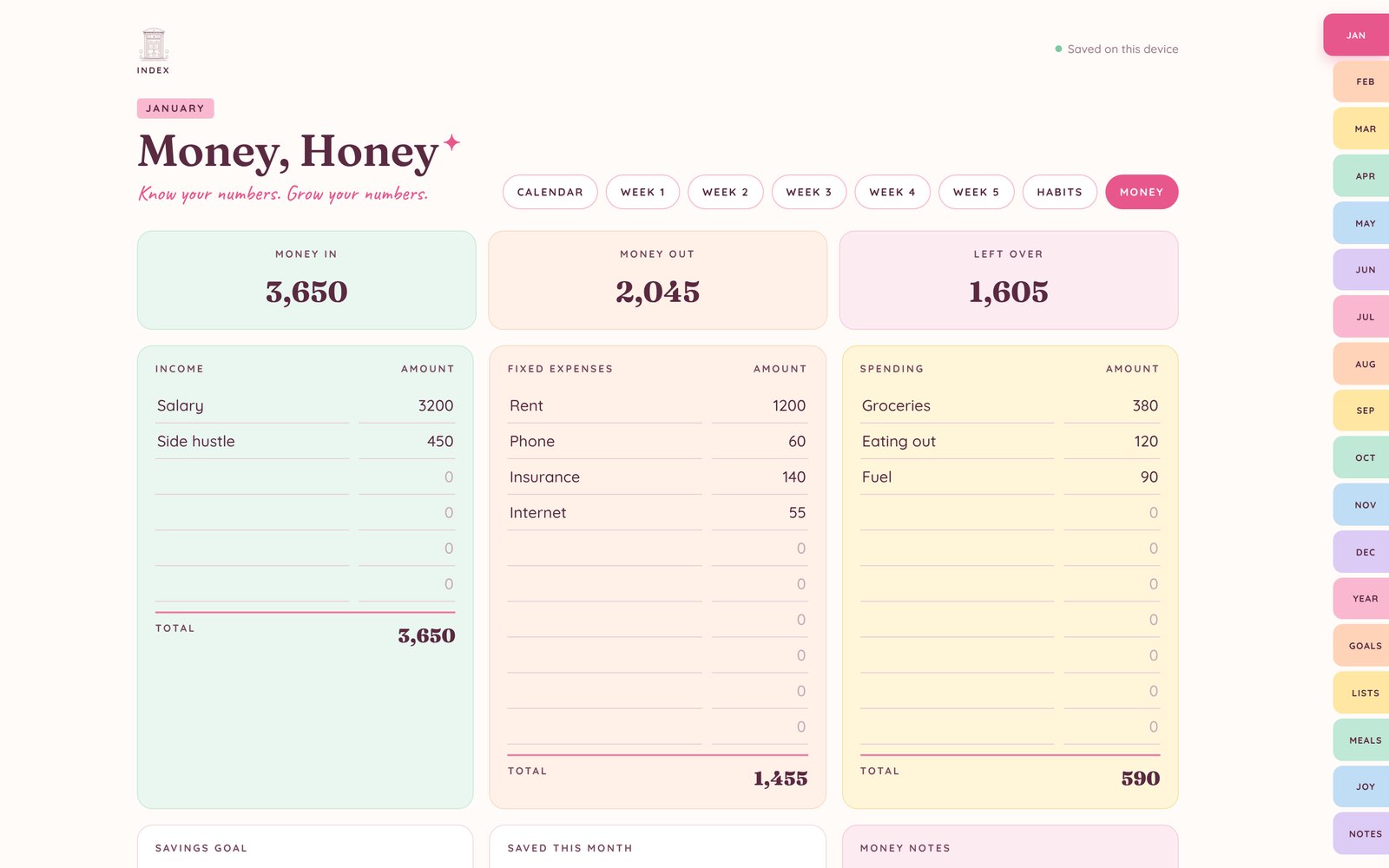
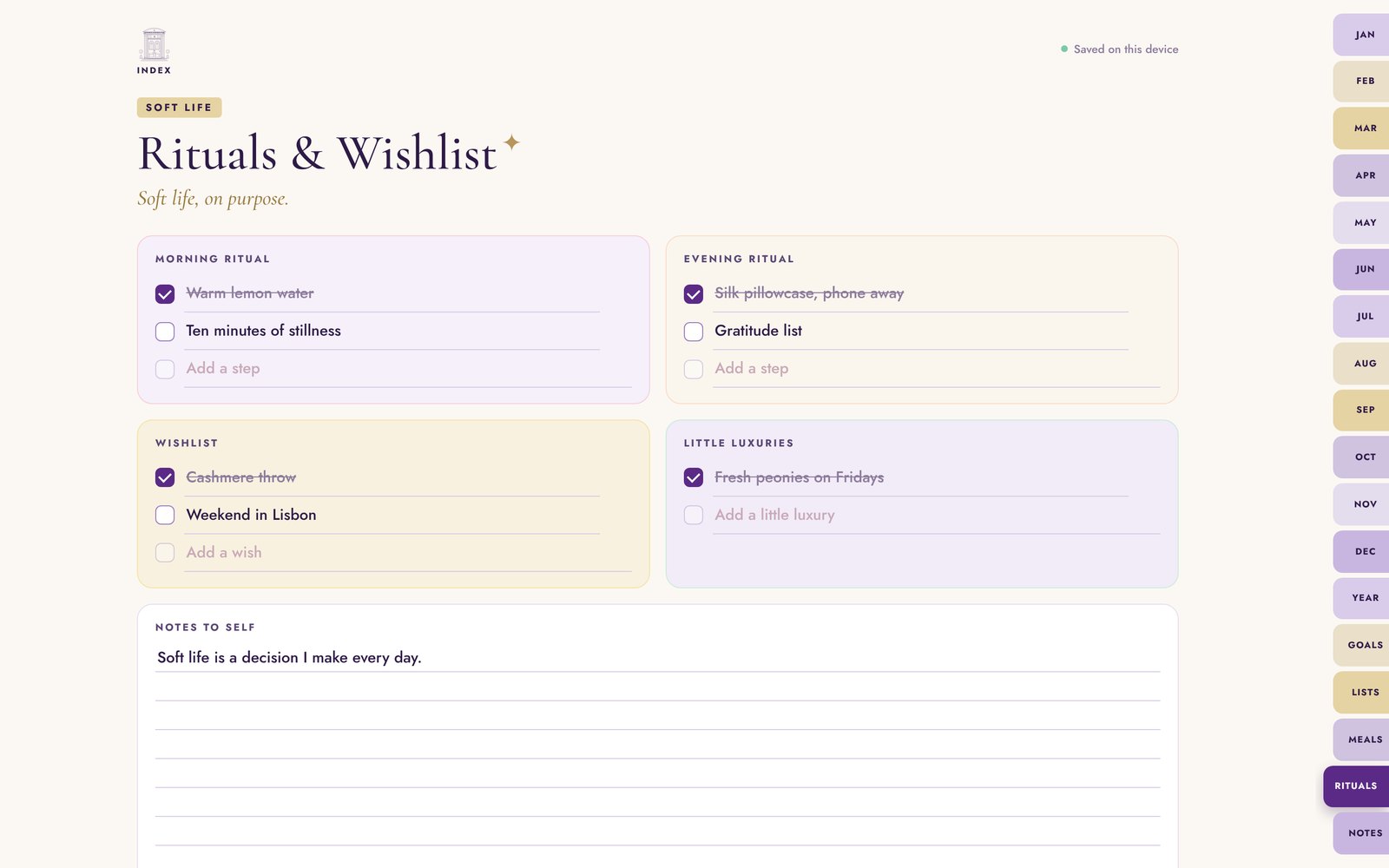
Your START HERE guide downloads instantly, with your private planner link and access code.
Tap the link or scan the QR code, then enter your access code once on each device.
Now it opens like an app, works offline and is always one tap away.
Yes. Everything you write is saved on your own device, in the browser you use. There are no accounts or logins, nothing is uploaded, and we can’t see your planner.
You choose. Pick 2027, 2028 or 2029 and tap Save my calendar, and every month and week fills in its dates. Or keep it undated and start any month you like.
Yes. Tap the 📅 button on any plan to send it to Apple Calendar, Google Calendar or Outlook with the date and time filled in, or send a whole month in one go.
The pages are the same; the style and the bonus section are different. Bubblegum adds The Joy List, Luxury adds Rituals & Wishlist and Homestead adds Garden & Pantry.
Each device keeps its own copy. To move your planner, save a backup on one device and restore it on the other. It takes a few seconds.
Yes. Once it’s on your home screen, or opened from the file on a computer, it works offline.
Pocket Planners are made for typing. If you love handwriting, our GoodNotes and Notability planners on Etsy are made for you.
Yes. Watch the demo videos, or open any interactive demo to tap around January yourself: Bubblegum, Luxury or Homestead.